TG DownloadHelper
TG DownloadHelper downloads Telegram videos, photos, music, and stories fast—even from private groups and channels. Supports batch and one-click saves.
What is TG DownloadHelper?
TG DownloadHelper is a simple, fast way to save media from Telegram Web. Capture videos, photos, music, and stories—including items from private groups and channels—in just a click. Designed for speed and ease of use, it helps you collect and archive the content you care about without hassle.
Key features
- Fast downloads: Quickly save even large Telegram videos with reliable performance.
- Batch downloading: Grab multiple items at once using the Force Download option for groups and channels.
- Collection support: Batch download media from saved or collected posts with a single action.
- Multiple formats: Works with Telegram videos, images, audio files, and stories.
- One-click workflow: Download buttons appear directly under media in Telegram Web for instant saves.
- Simple setup: Install the extension, log in to Telegram Web, and pin the icon for quick access.
- Flexible plans: Get started free with limited usage, or upgrade for unlimited access.
- Responsive support: Help is available around the clock if you need assistance.
Why try TG DownloadHelper?
Whether you’re a community manager, researcher, or everyday user, TG DownloadHelper streamlines saving Telegram media for offline viewing, archiving, and sharing. It reduces manual steps, handles bulk downloads, and keeps your workflow smooth and consistent—so you spend less time managing files and more time using them.
How it works
- Install TG DownloadHelper and log in to Telegram Web.
- Visit any group, channel, or story and click the download button under the media.
- Use Force Download to batch save content from groups, channels, or collections.
Related Tools
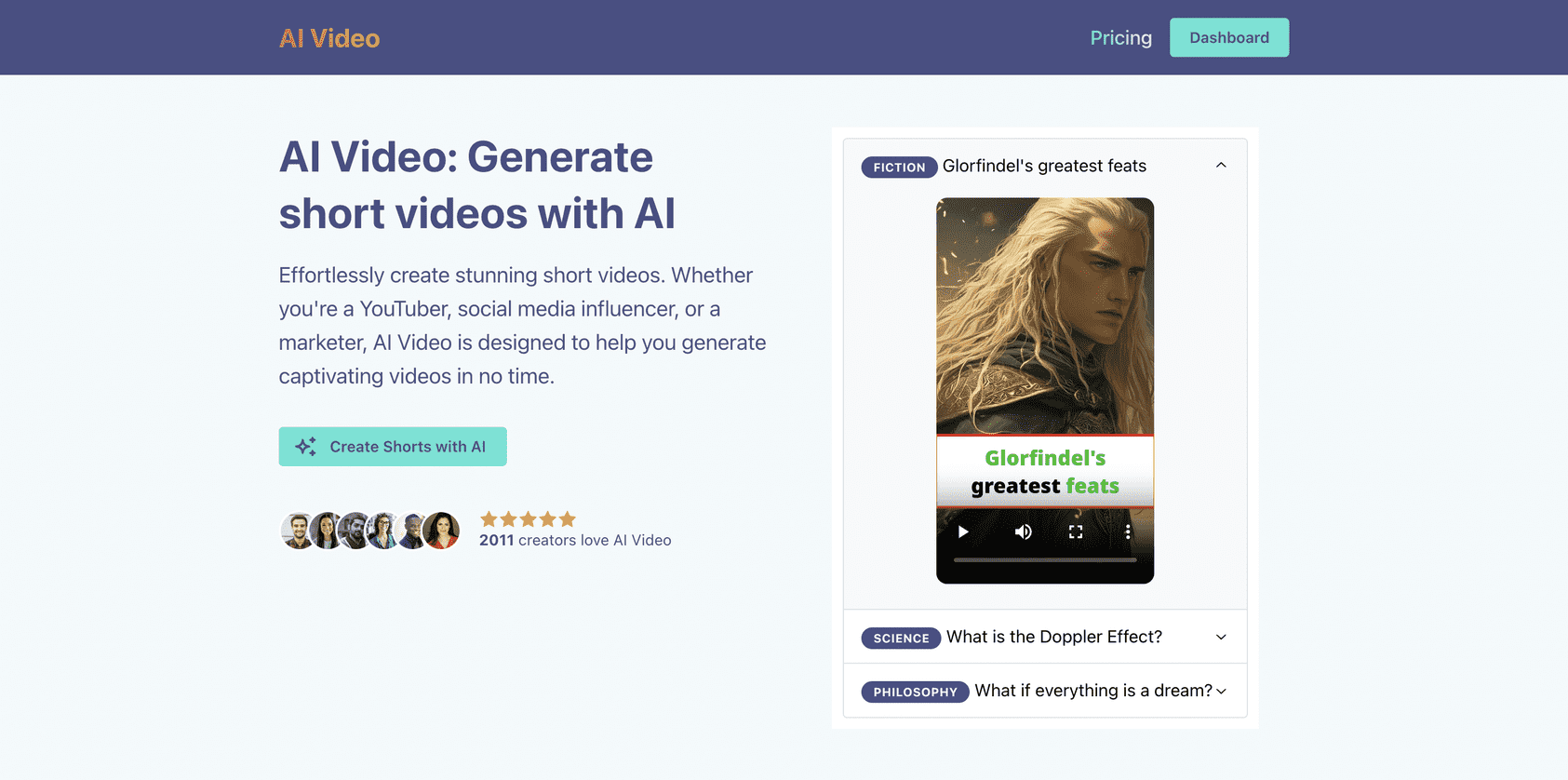
AI Video
Have any faceless youtube channel ideas? Effortlessly create stunning youtube shorts with AI Video and monetize your faceless youtube channel.

OpusClip
It takes just a few clicks for OpusClip to create viral shorts from your video

Viralkit
Tell ViralKit the details of your giveaway and let it know who you want to reach. Define your contest with a one-line brief, incorporating essential details such as the giveaway item (which will be used in promotional material), target audience and timeline.
Featured Tools
Nectar AI
Dive into immersive roleplay adventures and personalized scenarios tailored exactly to your desires.
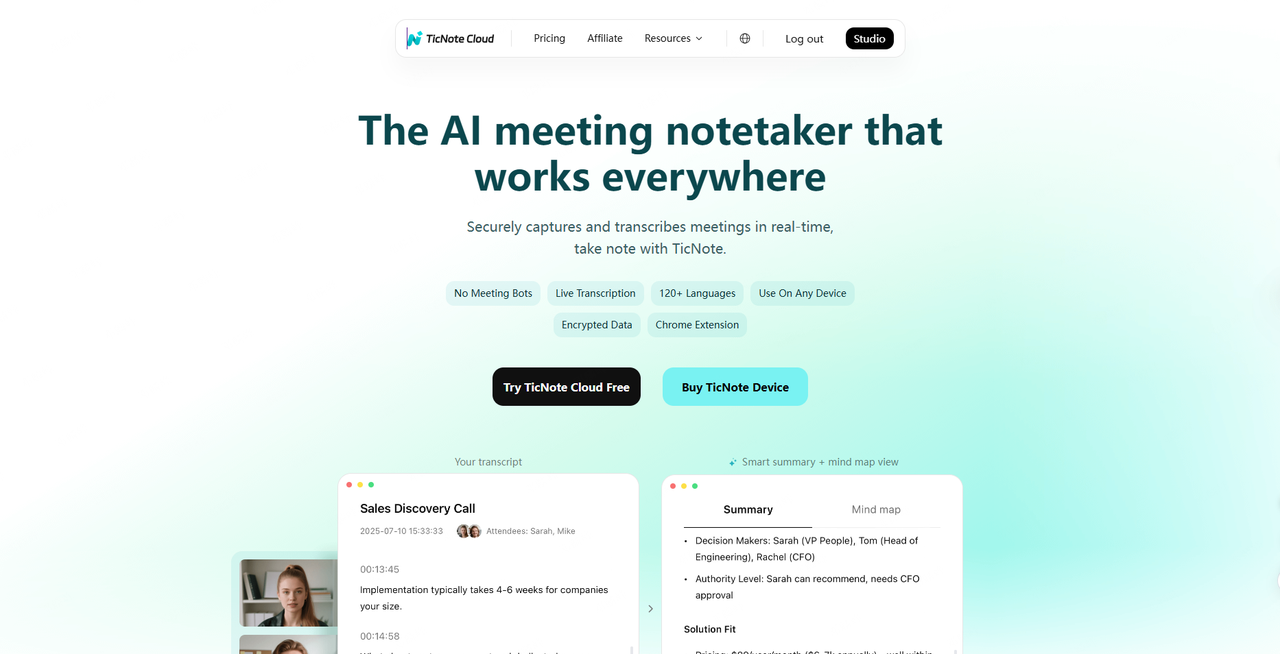
TicNote Cloud
From real-time meeting transcription to multilingual summaries and knowledge insights, our AI note taker helps you organize, share, and never miss what matters.
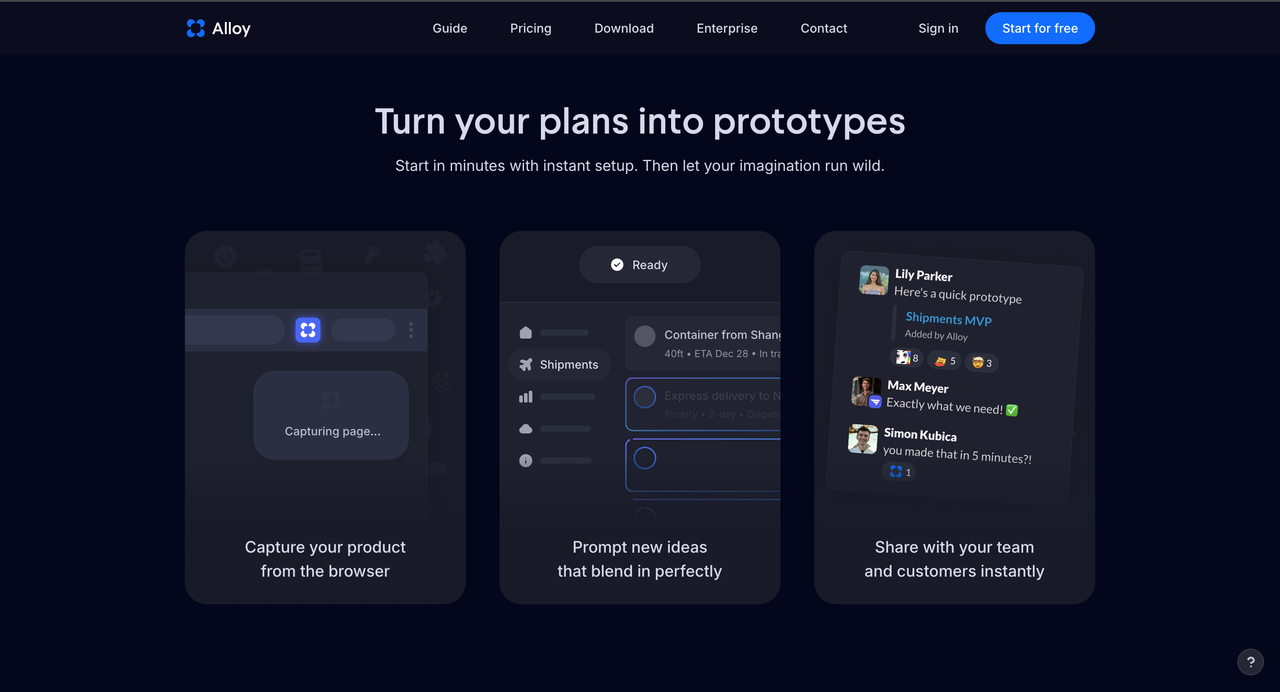
Alloy
Alloy AI Prototyping