Glasscribe
Glasscribe is a macOS menu bar app for real-time speech-to-text transcription. 100% on-
Glasscribe
Glasscribe is a lightweight macOS menu bar app that delivers real-time subtitles for anything on your Mac. It captures system audio or mic input and shows a floating subtitle overlay on top of whatever you're doing. No cloud, no API keys — everything runs 100% on-device using Apple's built-in Speech framework and Neural Engine. Your voice data never leaves your Mac. Unlike other transcription tools, Glasscribe is designed to feel native — it sits quietly in your menu bar, launches instantly, and gets out of your way. Floating Subtitle Overlay — A compact, always-on-top window displays live captions over any application. Perfect for following along with foreign-language content, accessibility, or keeping up with fast-paced meetings without switching windows. System Audio Capture — Transcribe audio playing from any app on your Mac — Zoom calls, YouTube videos, podcasts, online lectures — without installing virtual audio drivers or browser extensions. Just click and it works. 22+ Languages with Live Translation — Transcribe in English, Korean, Japanese, Chinese, Cantonese, Spanish, French, German, Italian, Portuguese, Arabic, Russian, and more. Translate between any supported language pair in real-time, all processed locally on your device. Dictation Mode with Auto-Paste — Speak naturally and Glasscribe automatically types the transcribed text at your cursor in any application. Ideal for writing emails, documents, messages, and notes hands-free. Complete Privacy — Unlike cloud-based alternatives like Otter.ai or Whisper API services, Glasscribe processes everything locally. No internet connection needed, no data collection, no third-party servers. Your conversations stay yours. Session History & Export — Every transcription is automatically saved with full-text search. Export sessions as .txt or .srt subtitle files for further editing or archival. Built for macOS — A native Swift application designed specifically for Mac. Supports macOS Sonoma and later on both Apple Silicon and Intel Macs, using minimal system resources. Who It's For: - Remote workers who need meeting transcriptions without cloud services - Content creators transcribing podcasts, interviews, and videos - Language learners using live translation for immersion
Related Tools

Wemate: Spicy AI Roleplay Chat
Chat, flirt, and roleplay with virtual girlfriend in romantic fantasy text games.
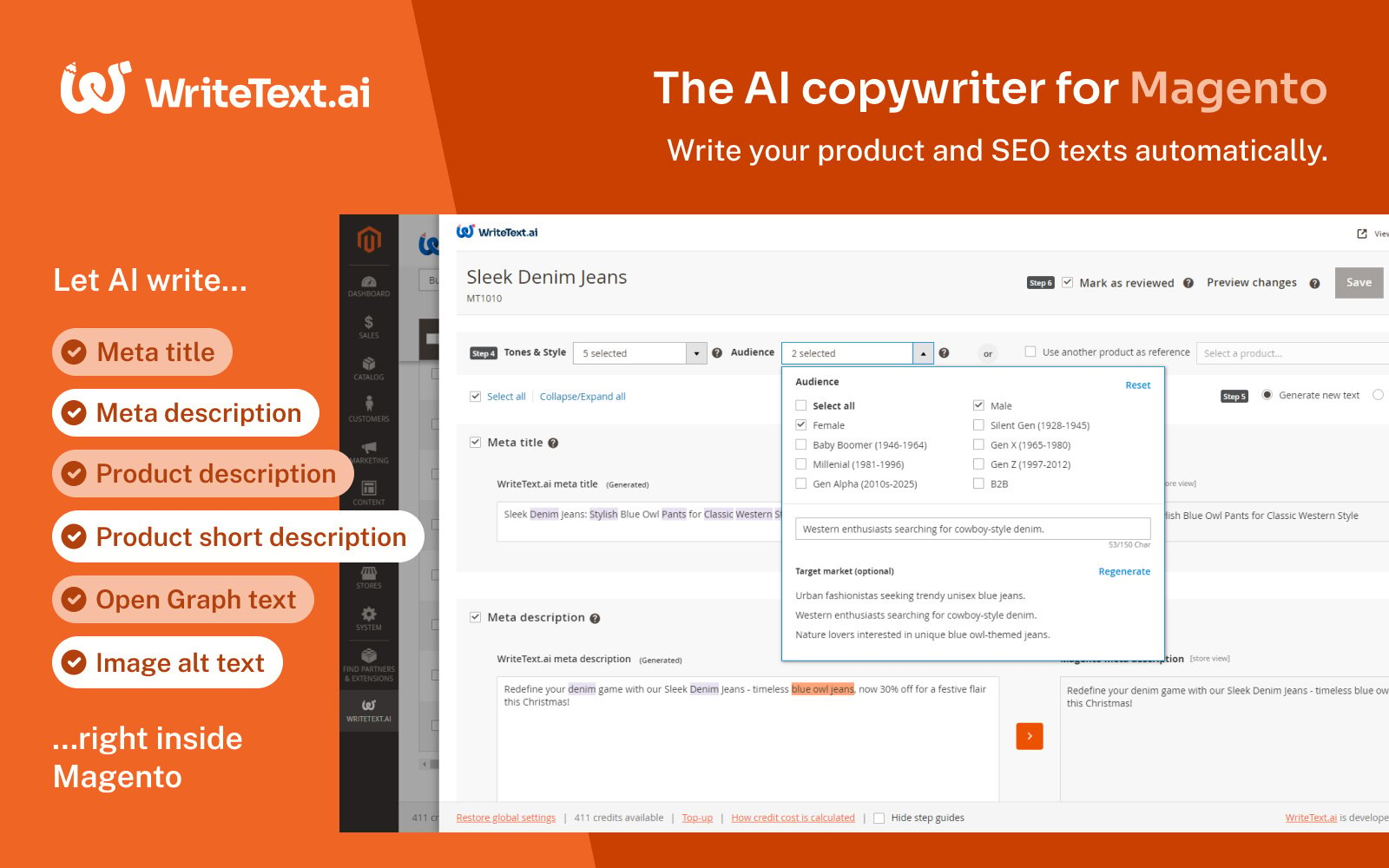
WriteText.ai for Magento
Enhance your Magento store with WriteText.ai, the AI-powered tool for generating dynamic product descriptions effortlessly.
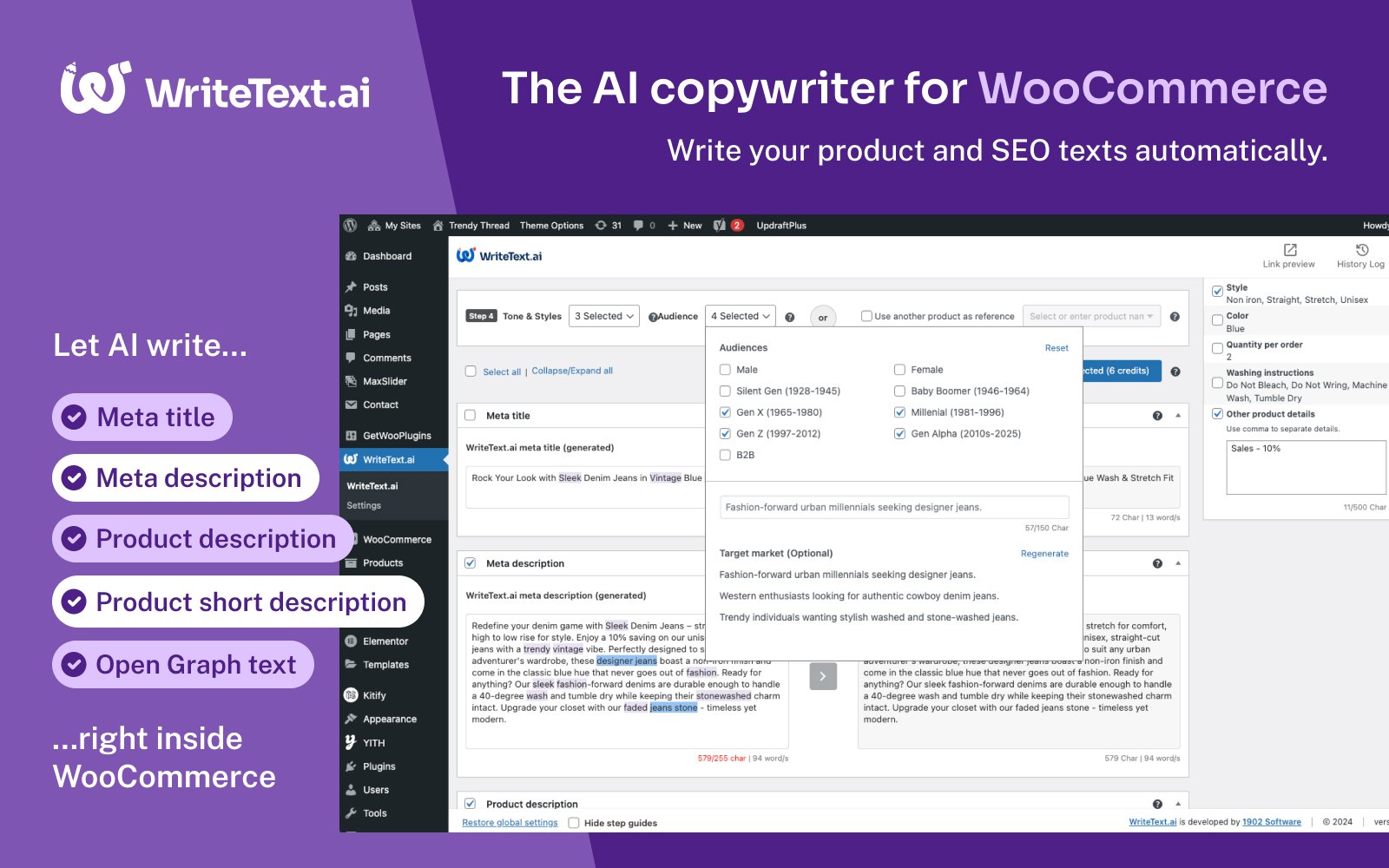
WriteText.ai for WooCommerce
Optimize your WooCommerce store with WriteText.ai, automating product texts, meta descriptions, and more for seamless, efficient content generation.
Featured Tools

MP4WAV
無料のAI動画・音声文字起こしツール。MP4、MOV、MP3、WAVなどのファイルをタイムスタンプ付きテキストに変換。19言語に対応し、TXT・SRT形式でのエクスポートも可能。会員登録不要。
Nectar AI
Dive into immersive roleplay adventures and personalized scenarios tailored exactly to your desires.
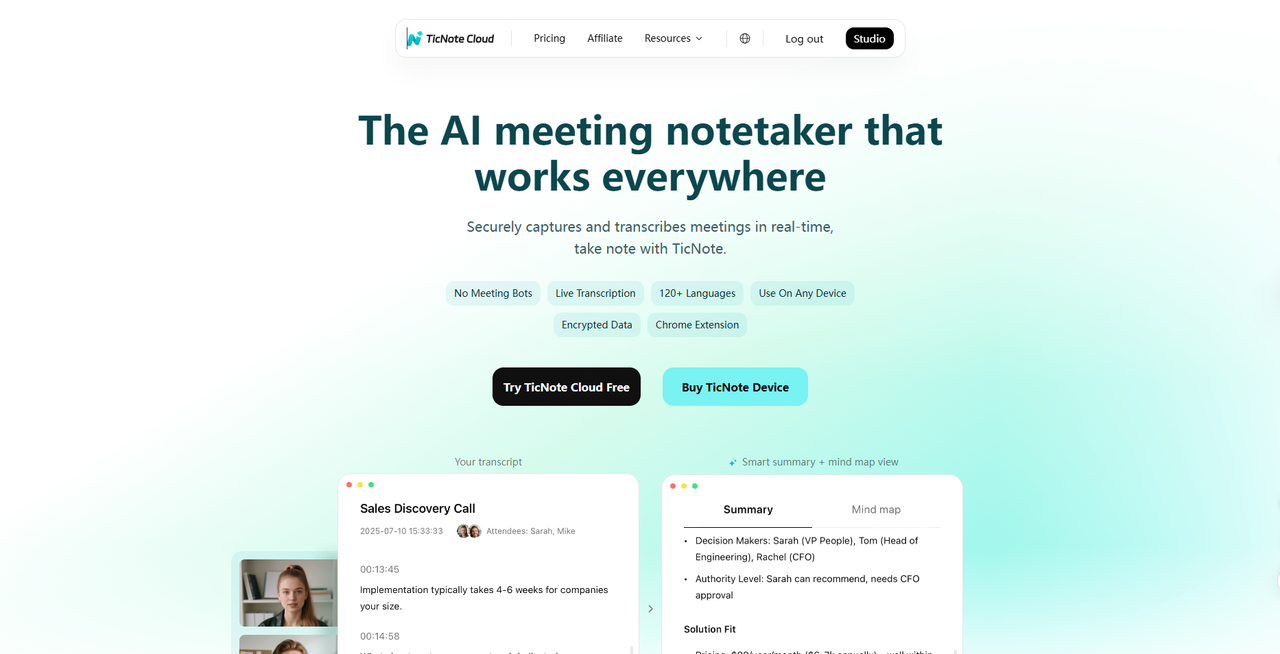
TicNote Cloud
From real-time meeting transcription to multilingual summaries and knowledge insights, our AI note taker helps you organize, share, and never miss what matters.