AI Form Filler
Chrome extension powered by Google Gemini that auto-fills web forms using your stored context. Speed up sign-ups, outreach, and repetitive entries.
What is AI Form Filler?
AI Form Filler is a Chrome/Chromium MV3 extension that uses Google Gemini to understand webpages and auto-complete forms using your saved context. Toggle it on, click “Fill Forms,” and it maps and fills fields across the main page and embedded frames to accelerate sign-ups, outreach, and routine data entry.
Key Features
- Gemini-powered form understanding with structured JSON field mapping.
- Works across the top page, iframes, and many shadow/orphan DOM elements.
- Fills inputs, selects, radios, checkboxes, and contenteditable fields.
- Triggers framework-friendly events for React, Angular, and Vue flows.
- Prioritizes id/name matching and skips hidden or suspicious fields.
- Stores API key, model, default email/password, and a long knowledge base locally.
- Popup for settings management and manual “Fill Forms” trigger.
- Background service worker handles extraction, retries, parsing, and multi-frame filling; lightweight content script keeps frames reachable.
How It Works
The extension extracts relevant form HTML from the active tab, sends it along with the page URL/title and your saved context to Google’s Gemini API, receives field mappings, and fills the form accordingly. It prefers reliable selectors and emits input/change events to align with modern app behaviors.
Why Try It
Replace repetitive typing with accurate, context-aware autofill for CRM updates, outreach, and application flows. Important: the tool sends page/form HTML and your saved context (including any default credentials) to Gemini. Use caution and avoid sensitive or confidential forms.
Related Tools
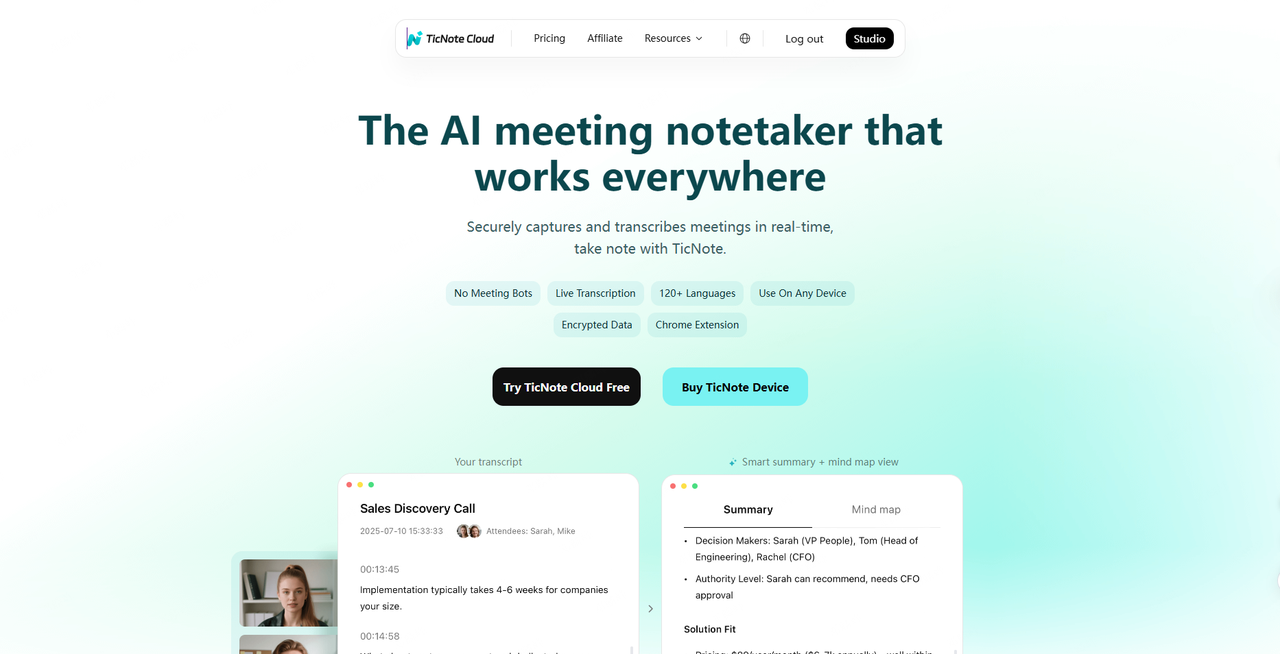
TicNote Cloud
From real-time meeting transcription to multilingual summaries and knowledge insights, our AI note taker helps you organize, share, and never miss what matters.

Success.ai
Success AI is marketing tool that focuses on the power of cold email for generating leads and closing deals

HIX Bypass
With HIX Bypass transforms your AI-generated text into undetectable, human-like content in just one click
Featured Tools
Nectar AI
Dive into immersive roleplay adventures and personalized scenarios tailored exactly to your desires.
TicNote Cloud
From real-time meeting transcription to multilingual summaries and knowledge insights, our AI note taker helps you organize, share, and never miss what matters.
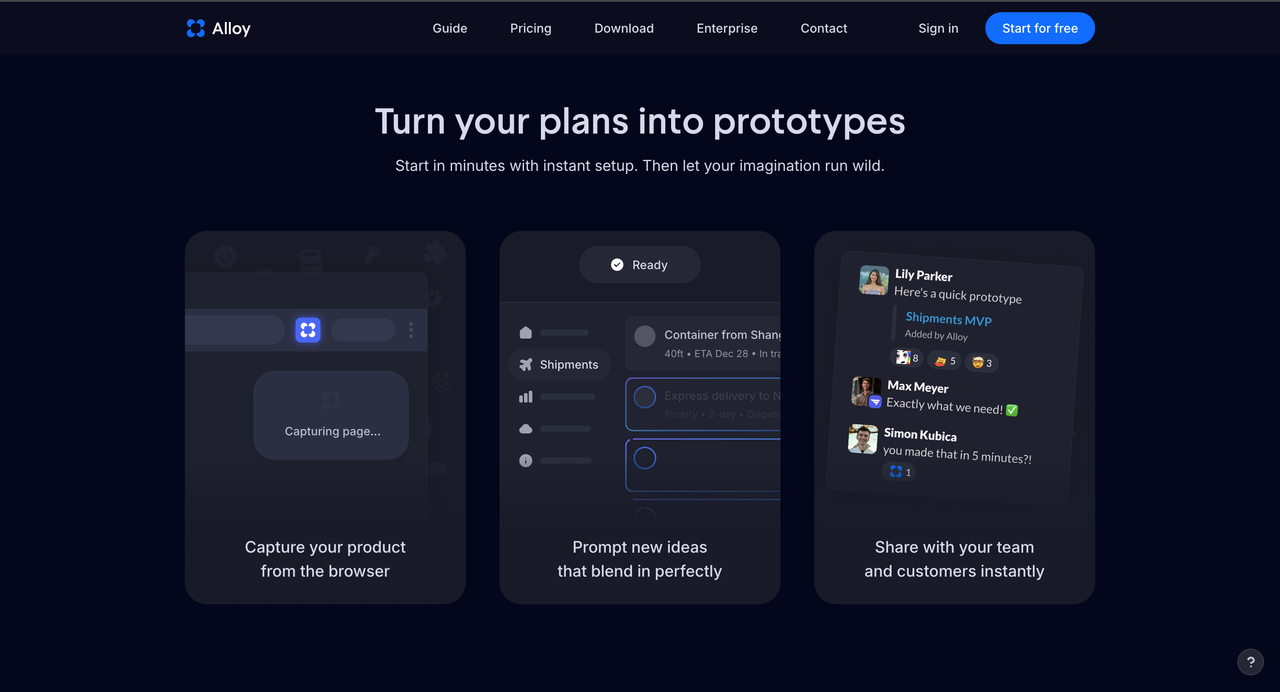
Alloy
Alloy AI Prototyping